Virtual assistant client onboarding templates
The first week with a new client decides whether they stay for a year. A clear welcome packet and a short agreement answer their questions before they ask them.
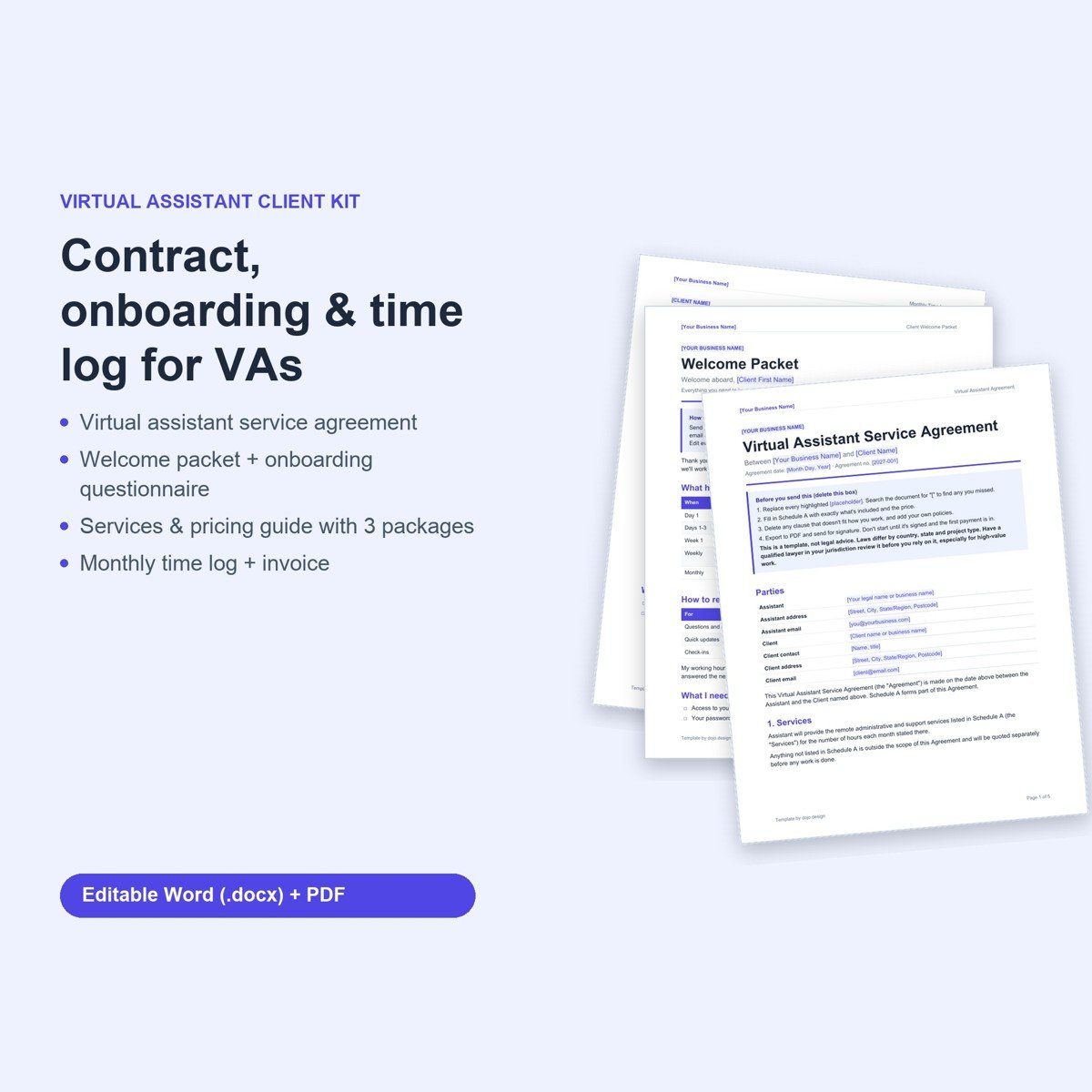
Virtual Assistant Client Kit · $14
VA service agreement, welcome packet, onboarding questionnaire, services and pricing guide, monthly time log and invoice.
Get the Virtual Assistant Client KitWelcome packet only ($6)What to include
- A welcome packet. What happens on day 1, week 1 and monthly; how to reach you; your hours and response times.
- An onboarding questionnaire. Tasks to hand over, tools, who approves what, and any spending limit.
- Hours, rollover and overage. Monthly hours, how many unused hours roll over, the hourly rate for extra time, and a heads-up before you go over.
- Account access. Use a password manager or delegate access, never shared personal passwords.
- Approvals and spending. What you can send or buy without asking, and what always needs approval.
- Time tracking. A monthly time log with each invoice keeps trust high and disputes low.
- Confidentiality. Client data is used only for their work and kept secure.
Free: our 19-point client contract checklist and minimum-rate worksheet (2-page PDF).
Download the free checklistMistakes to avoid
- Unlimited "quick tasks" outside your hours
- Shared passwords in email
- No rule for unused hours
- Starting without knowing who approves what
Example wording you can adapt
Plain-English wording for the clauses people most often leave vague. Change the bracketed details to fit how you work.
Hours. The monthly package includes [number] hours. Up to [5] unused hours roll over for one month. Extra time is billed at $[rate] per hour, and the VA will warn the Client at 80% of the monthly hours.
Access. The Client will share logins through a password manager or delegate access. The VA will not store passwords in email or documents, and access is removed when the agreement ends.
Spending. The VA will not make any purchase or commitment for the Client without written approval, unless it is under a limit agreed in writing.
Response times. The VA works [days and hours] and replies to messages within [1] business day. Urgent requests outside those hours are handled only by prior agreement.
A simple first-week plan
Day one: confirm the signed agreement and first payment, then send the welcome packet and questionnaire. Days two and three: set up access and walk through the top three recurring tasks. Keep the list short on purpose; a few tasks done well in week one builds more trust than twenty half-finished.
End the first week with a short written summary: what is done, what is waiting on the client, and how many hours were used. It sets the pattern for your monthly report and shows the value of your time before anyone asks.
Add new tasks in writing as they come up, along with who approves them. Six months in, that list becomes your standard operating procedures, which makes it far easier to take time off or raise your rates.
Skip the blank page
Every point above is already written into our template, with highlighted fields to fill in and a PDF copy to send. Edit it in Word, Google Docs or Pages.
Virtual Assistant Client Kit · $14
VA service agreement, welcome packet, onboarding questionnaire, services and pricing guide, monthly time log and invoice.
Get the Virtual Assistant Client KitWelcome packet only ($6)Questions
What should a VA welcome packet include?
Next steps, how to reach you and when, what you need from the client, payment terms and a short FAQ.
How do VAs handle unused hours?
A common approach is rolling over a small number of hours (for example up to 5) for one month only, with the rest expiring.
How should clients share passwords with a VA?
Through a password manager or the tool's delegate or team access, so access can be removed at any time.
Can I rebrand the templates?
Yes. Add your business name and colours; the files are fully editable.
More templates for your business: browse the full shop or try the free rate calculator.
Templates are a starting point, not legal advice; laws vary by location. Digital products: all sales are final; faulty file? Email hello@dojo.design and we’ll fix it or refund you.