Graphic design client questionnaire
A client questionnaire gets the answers you need before the kickoff call, so the call is spent on decisions instead of basics. These are the 17 questions we put in ours, grouped in four short sections, with a filled-in example and what to do with the answers.
The Client-Ready Kit · $49
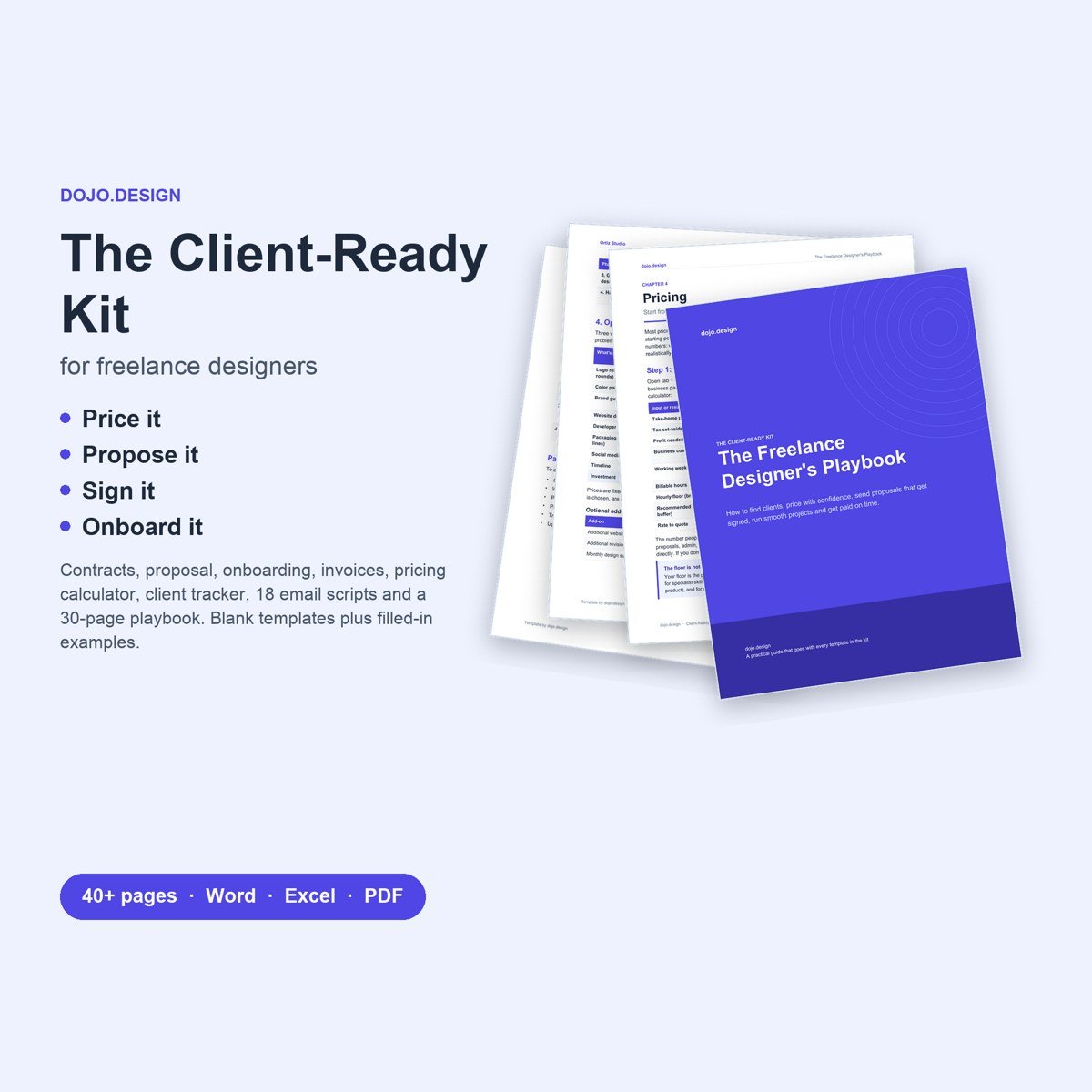
Onboarding questionnaire and creative brief with filled-in examples, welcome packet, project proposal, full and short-form design agreements, invoice, pricing calculator, client tracker, 18 email scripts and a playbook.
Get the Client-Ready KitContract + proposal only ($19)What to include
- About the business. What they do in a sentence or two, who their best customer is, why customers choose them, and who the competitors are, with links. You need this to judge whether a design works, and clients rarely volunteer it.
- Why now, and what success looks like. Ask what changed to start the project now, and what would make it a clear success six months from now. The answers become the goals you design against and the reasons you give when you present.
- Who approves the work. Names and roles, and who has the final say. Most projects that run to round five had a decision maker nobody met until round three.
- Hard deadlines. A launch, an event or a print date. Ask early so your timeline works back from it rather than colliding with it.
- Three words it is, three words it isn't. Short lists are easier to answer and easier to check work against than "modern but timeless".
- Brands they admire, and why. Two or three examples from any industry, with the reason for each. The reason matters more than the example: "calm and confident" tells you more than a logo you were not meant to copy.
- What they don't want. A look they have seen and dislike is often the fastest way to rule out a whole direction before you spend time on it.
- What must stay. The name, a symbol, a colour or a tagline that customers recognise. Find out before you redesign it.
- Copy, photos and who provides them. Who writes the words and supplies the images, and by when. Late content is the most common reason design timelines slip.
- Where the designs will be used. Website platform, print, social, packaging, signage. This sets your file formats and sizes.
- Requirements and anything else. Accessibility, legal or industry rules, such as a certification mark or contrast targets, plus an open "anything else I should know?" that often surfaces the most useful answer.
- A files checklist. Ask for logos in vector formats, existing guidelines and fonts, photos they own, past marketing and platform invites, shared in one folder link.
Free: our 19-point client contract checklist and minimum-rate worksheet (2-page PDF).
Download the free checklistMistakes to avoid
- Sending it before the deposit clears
- Asking 50 questions, so it never comes back
- Asking about colours before asking about customers
- Never finding out who has the final say
- Collecting answers and not reading them back at kickoff
The questions, ready to copy
Paste these into a document or a form tool. Short answers are fine; tell the client it takes about 20 minutes.
About your business. 1. What does your business do, in one or two sentences? 2. Who are your customers? Describe your best one. 3. What makes you different from the alternatives? 4. Who are your main competitors? Add website links if possible.
About this project. 5. Why are you starting this project now? 6. What would make this project a clear success for you, six months from now? 7. Who will review and approve the work? Who has the final say? 8. Is there a hard deadline (launch, event, print date)?
Brand and style. 9. Which three words should people use to describe your brand? 10. Which three words should they never use? 11. List 2-3 brands or websites whose look you admire, and say why. 12. Is there anything you've seen that you definitely don't want? 13. Which existing brand elements must stay (colours, logo, name, tagline)?
Content and practical details. 14. Who is writing the copy and providing photos? When will they be ready? 15. Which platforms will the designs be used on? 16. Do you have accessibility, legal or industry requirements we should know about? 17. Anything else I should know?
What good answers look like
A few answers from the filled-in example in our kit, for a fictional coffee roaster that needs a brand refresh and a website. Use it to show clients the level of detail you are after.
| Question | Example answer |
|---|---|
| Why now? | We're launching a grocery retail line in April and the current brand won't stand out on a shelf. |
| Success in six months? | Grocery buyers take us seriously, and wholesale customers can order without emailing us first. |
| Three words it is / isn't | Warm, precise, unpretentious. Never hipster, corporate or cheap. |
| Don't want | Kraft paper and stamp-style logos. Every roaster looks like that. |
| Must stay | The name and the mountain-and-river idea in the logo. Colours can change. |
| Anything else? | One founder is red-green colourblind, so please check colour choices with that in mind. |
The last answer is the one a kickoff call usually misses. An open final question costs nothing and regularly turns up the detail that changes the work.
Questionnaire, brief, then kickoff
Send the questionnaire once the agreement is signed and the deposit has cleared, at least three business days before kickoff, with a due date. Asking for this much work before a client has committed tends to stall the sale; asking right after they commit keeps the momentum going.
Then turn the answers into a one-page creative brief: background, objective, audience, key message, what to keep, what to avoid, deliverables, success measures and who decides. Get written approval on it before you start concepts. When feedback later drifts, the approved brief is what you point back to.
At kickoff, read a few answers back to the client in their own words. It shows you listened, and it is the moment to fix any gap the brief exposed. If you have not sent a proposal and agreement yet, start with our graphic design proposal guide and contract guide.
Skip the blank page
Every point above is already written into our template, with highlighted fields to fill in and a PDF copy to send. Edit it in Word, Google Docs or Pages.
The Client-Ready Kit · $49
Onboarding questionnaire and creative brief with filled-in examples, welcome packet, project proposal, full and short-form design agreements, invoice, pricing calculator, client tracker, 18 email scripts and a playbook.
Get the Client-Ready KitContract + proposal only ($19)Questions
What questions should I ask a new design client?
Ask about the business and its customers, why the project is happening now, what success looks like, who approves the work, any hard deadlines, brand words and examples they like or dislike, what must stay, who supplies content, where the designs will be used, and any requirements.
When should I send a client questionnaire?
After the agreement is signed and the deposit has cleared, at least three business days before the kickoff call, with a due date.
How long should a design questionnaire be?
Short enough to finish in about 20 minutes. Our template has 17 questions plus contact details and a files checklist.
What is the difference between a questionnaire and a creative brief?
The questionnaire collects the client's answers. The creative brief is your one-page summary of them, which the client approves before design starts.
Can I use it as an online form?
Yes. Paste the questions into the form tool you already use, or send the document as a fillable file.
Can I edit it in Google Docs?
Yes. The files are Word documents that open in Google Docs and Apple Pages, with PDF copies included.
More templates for your business: browse the full shop or try the free rate calculator.
Templates are a starting point, not legal advice; laws vary by location. Digital products: all sales are final; faulty file? Email hello@dojo.design and we’ll fix it or refund you.